
Blog / Website planning
Static Website vs. Interactive Website: What’s the Difference, and Which Do You Need?
Most small business sites only need to inform. Some need to do work. Here’s how to tell the difference before you pay for more website than you need.

By Zack Lekas · · 2 min read
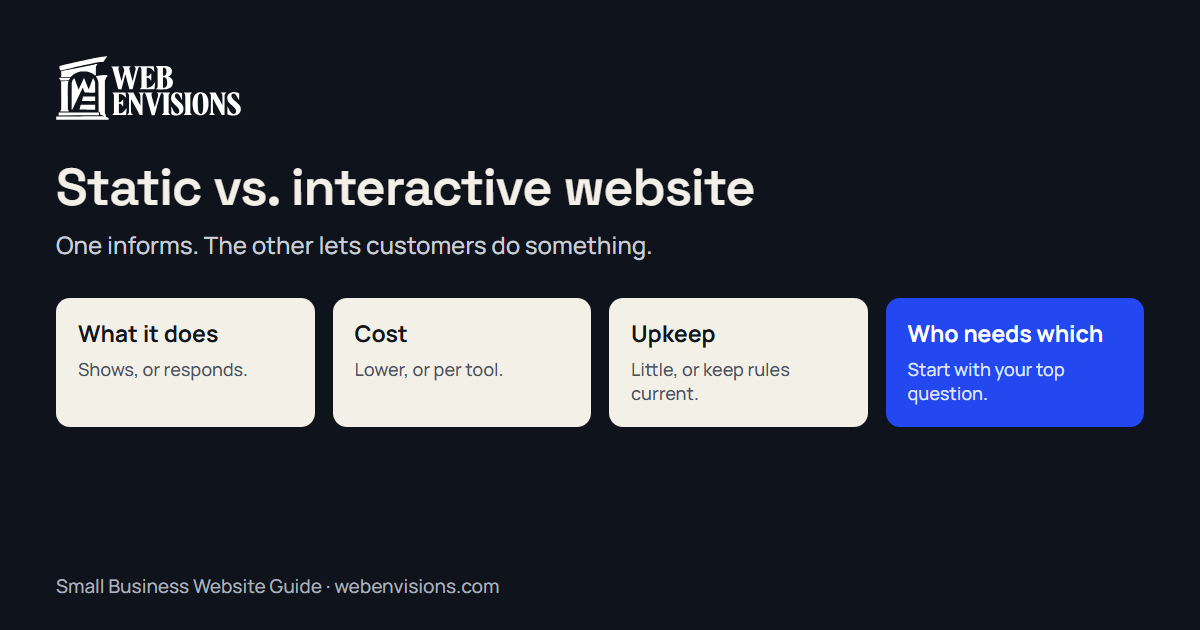
“Interactive website” gets used loosely, so here’s a plain definition. A static website shows the same information to everyone: what you do, where, proof, and how to reach you. An interactive website lets a visitor do something and responds to what they did: book a time, work out a price, narrow a list of options, or build a request step by step.
Static doesn’t mean old or plain. A well-designed static site can look better than an interactive one. The difference is what the visitor can do.
Side by side
| Static | Interactive | |
|---|---|---|
| The visitor can | Read, look, call, send a message | Book, calculate, choose, configure |
| Cost | Lower | Higher; each tool is designed and built |
| Upkeep | Very little | Rules and prices need keeping current |
| Speed | Fast by nature | Fast if built carefully |
| What you receive | A message or a call | A request with the details filled in |
| Suits | Being found and trusted | Turning visits into bookings and quotes |
When a static site is all you need
- People find you by referral and check the site to confirm you’re real.
- Every job starts with a conversation you want to have.
- You have a few inquiries a week and handling them is no burden.
- You’re new, and you don’t yet know which questions customers ask most.
Many good businesses never need more. A clear static site with real photos and a phone number that works on a tap beats an elaborate one that’s confusing.
When interactive earns its cost
Look for a question you answer over and over:
- “How much would it cost?” A quote calculator or estimator.
- “When can you come?” Online booking, or a request for a time.
- “Which one do I need?” A guided finder that narrows the options.
- “Can you do this?” A request form that asks the right questions for each kind of job.
If the same question comes up ten times a week and the answer follows rules, a tool can give it, at any hour, and hand you the result.
A site can be both
It’s rarely all or nothing. Most interactive sites are static pages with one tool where it matters. That’s how I’d suggest starting: a solid static site, plus one tool aimed at your most common question. Add a second only when the first has proved itself.
What to watch for
- Tools nobody asked for. A chatbot or quiz added because it looked modern. If it doesn’t answer a real question, it’s clutter.
- Tools that pretend. A booking form that says “confirmed” when a person still has to check the calendar. Say what’s true: requested, not yet confirmed.
- Tools left to go stale. A calculator with last year’s prices is worse than none.
See the difference
The interactive website tools page has six working demos you can try. For the simpler end, small business web design lays out the options by price.
Where I fit
I’m Zack at Web Envisions in Bend. I build both kinds, and I’ll tell you when static is enough. Tell me what customers ask you most.
All postsNext: Web Design Agency vs. Independent Developer: Who Should Build Your Site?