Blog / AI for business
Is an AI Assistant Worth It for a Small Business? (And Who Keeps It Running?)
AI assistants really can save a small business time. But “set it up in five minutes” skips the part where someone has to keep it useful. Here’s the honest version.

By Zack Lekas · · 8 min read
Every software company now has an AI assistant, and every one of them promises it will give you your evenings back.
Some of that is true. An AI assistant like ChatGPT, Claude, or Microsoft Copilot can draft an email in seconds, summarize a long thread, or turn your scribbled notes into a tidy quote.
What the ads skip is the part after the free trial: someone has to teach it about your business, check its work, and keep it useful as your prices, services, and tools change. That someone is usually the owner. At 9 p.m. Again.
This article is the honest version: what AI assistants are good at, how to get one started, where they fall short, and who should actually keep it running.
The short version
- AI assistants are genuinely useful for writing, summarizing, and answering routine questions.
- Getting started is easy. Getting it right for your business is the real work.
- They have real limits. They make things up confidently, forget context, and don’t know your business unless you teach them.
- Upkeep never stops. Prices change, tools update, and instructions drift out of date.
- The subscription is the cheap part. Your time spent managing it is the expensive part.
- A dedicated AI helper on retainer often costs less overall than doing it yourself, and actually saves the time you bought AI to save.
1. What an AI assistant is actually good at
Used well, an AI assistant is like a fast, tireless helper who has read a lot of things and never needs a coffee break.
Small businesses get the most out of it for:
- Writing first drafts: emails, quotes, job descriptions, social posts, and replies to reviews.
- Summarizing: long email threads, meeting notes, contracts you need the gist of, or a pile of customer feedback.
- Answering routine questions: hours, service areas, what’s included, how to prepare for an appointment.
- Organizing messy information: turning notes into a checklist, a schedule, or a table.
- Thinking out loud: brainstorming a promotion, rewording an awkward message, or pressure-testing an idea.
The common thread: tasks where a decent first draft saves time, and a person still makes the final call.
2. How to set up an AI assistant (the short version)
At the surface level, getting started really is simple:
- Pick a tool. ChatGPT, Claude, and Microsoft Copilot all have business plans, usually priced per person, per month.
- Choose a business plan, not a personal one. Business plans typically add admin controls, shared workspaces, and stronger commitments about how your data is handled. Read the plan details before putting customer information in.
- Give it context. Most tools let you save instructions or upload documents: your services, prices, policies, tone of voice, and common questions.
- Start with one job. Drafting quote replies, for example. Not “run the business.”
- Check everything it produces until you know where it’s reliable and where it isn’t.
That’s the five-minute version the ads talk about. It gets you a tool that can help.
Getting an assistant that knows your business, connects to the tools you already use, gives consistent answers, and doesn’t embarrass you in front of a customer takes considerably longer than five minutes.
3. The real limitations nobody puts in the ad
AI assistants are impressive. They are also not magic, and treating them like magic is how businesses get burned.
- They make things up, confidently. AI tools can produce answers that sound right but aren’t, a problem known as hallucination. OpenAI has written about why this happens. An invented price or policy sent to a customer is your problem, not the AI’s.
- They only know what you’ve told them. Out of the box, an assistant doesn’t know your prices, your service area, or that you stopped offering gutter cleaning in March.
- Your information goes stale. Upload a price list in January, raise prices in June, and the assistant keeps quoting January unless someone updates it.
- Connections break. Linking an assistant to your email, calendar, or customer system is powerful. Those connections also need attention when passwords change, permissions expire, or a tool updates.
- Consistency takes tuning. Ask the same question two ways and you may get two different answers. Getting reliable, on-brand responses takes testing and adjusting.
- Privacy needs thought. What customer details are safe to share with it? Who on your team can use it, and for what? Frameworks like NIST’s AI Risk Management Framework exist because these questions matter.
- It can’t take responsibility. It doesn’t know when it’s wrong, and it won’t be the one apologizing.
None of this means “don’t use AI.” It means AI works best with a person who understands both the tool and your business, keeping an eye on it.
4. The part nobody advertises: upkeep
Here’s what maintaining an AI assistant actually looks like, month to month:
- Updating its instructions and documents when prices, services, staff, or policies change.
- Reviewing its answers to catch mistakes before customers do.
- Fixing connections to email, calendars, and other tools when they stop working.
- Adjusting instructions when answers drift off-tone or off-topic.
- Keeping up with new features, model changes, and plan changes from the AI companies, which arrive constantly.
- Managing who has access, and removing it when someone leaves.
- Figuring out whether it’s actually saving time, or just generating more things to check.
Sound familiar? It’s a part-time job. And it lands on whoever set it up, which, in most small businesses, is the owner.
5. The real cost is your time, not the subscription
Business AI subscriptions are priced per user, per month. On paper, that looks like a bargain compared to hiring anyone.
But the subscription is only the cost of access. It doesn’t include:
- The hours you spend learning the tool.
- The hours you spend writing and rewriting instructions.
- The hours you spend checking its work.
- The hours you spend fixing it when something changes.
- The cost of a mistake that reaches a customer.
Try this quick math. If your time is worth $75 an hour, and you spend six hours a month managing your AI setup, that’s $450 a month of your time, before you’ve paid for a single seat. And those are often the hours you were hoping AI would give back.
Buying a subscription and managing it yourself doesn’t automatically save time. For a lot of owners, it just adds a new tool to babysit.
6. Why a dedicated AI expert often costs less
You probably don’t do your own taxes, rewire your own building, or fix your own work truck’s transmission. Not because you couldn’t learn, but because your time is better spent running your business.
AI is heading the same way. A dedicated AI expert on a monthly retainer can:
- Set it up properly once: the right tool and plan, your information loaded, sensible permissions, and connections to the tools you already use.
- Point it at the right jobs: the tasks where it reliably saves time, not the ones where it creates cleanup.
- Keep it accurate: updating prices, services, and policies so it doesn’t quote last year.
- Watch for problems: spotting wrong answers, broken connections, and quiet failures before your customers do.
- Keep up so you don’t have to: tracking changes from the AI companies and adjusting your setup when they matter.
- Right-size your spending: only paying for the seats and features you actually use.
For many small businesses, a retainer costs less than the owner’s time it replaces, and the assistant works better because someone is actually looking after it. You get the time savings AI promised, without becoming the IT department.
The honest pros and cons
Pros
- Fast first drafts of emails, quotes, posts, and replies.
- Quicker answers to routine customer questions.
- Summaries that save reading time.
- Available any hour, and it never gets tired of the same question.
Cons
- Can confidently state wrong information.
- Only as good as the information you give it, and that information goes stale.
- Needs regular checking, updating, and fixing.
- Privacy and access need planning.
- Without upkeep, it often creates as much work as it saves.
Common questions about AI assistants
Is ChatGPT or Claude better for a small business?
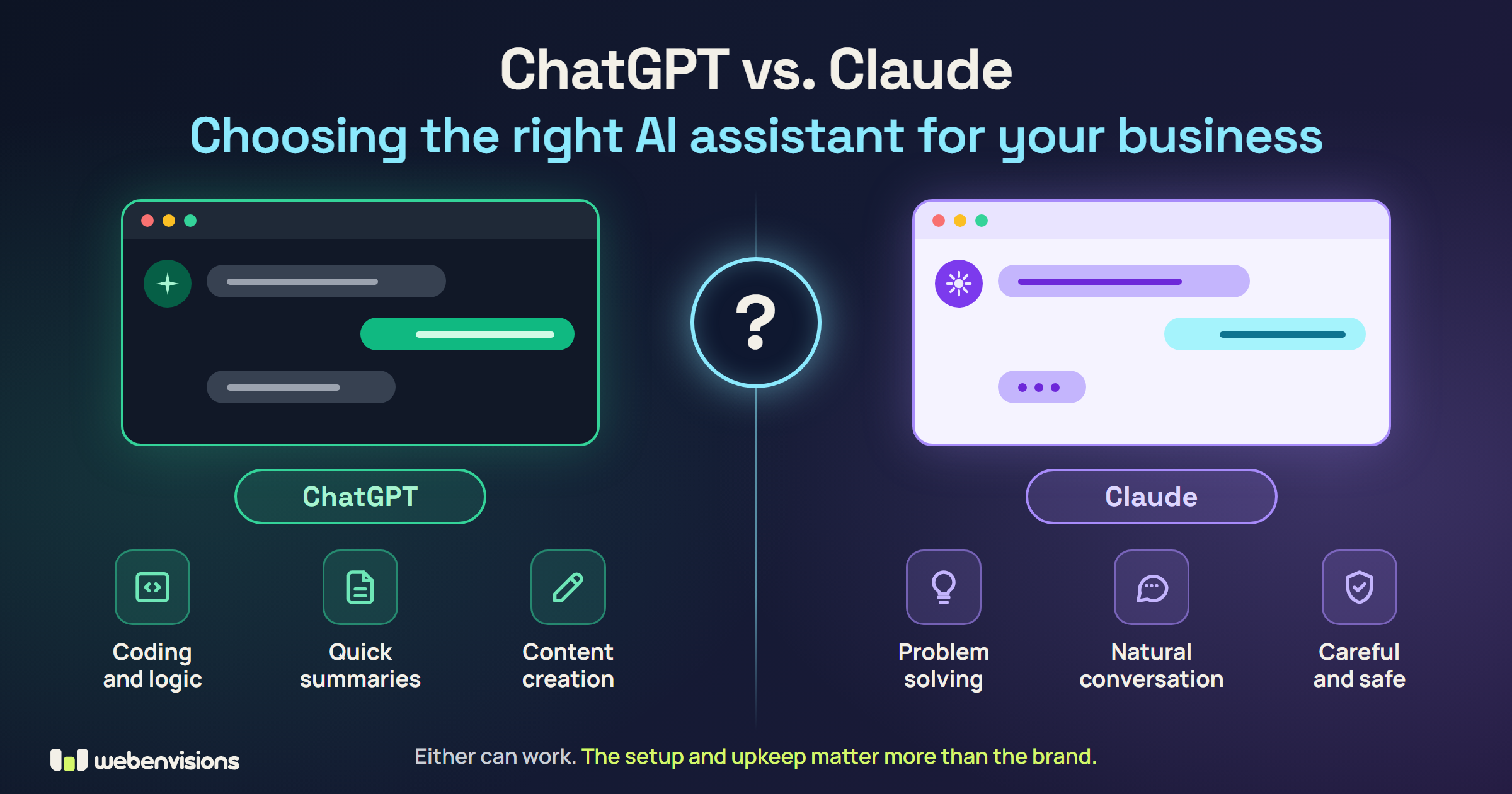
Both are capable, and the right choice depends on the tools you already use, the jobs you want help with, and the plan details. The bigger factor in whether it works is usually the setup and upkeep, not the brand.
Can an AI assistant answer my customers directly?
It can, with care. Customer-facing AI needs accurate, current information, clear limits on what it can promise, and a way to hand off to a person. My AI receptionist for websites is built that way: it answers from the facts you give it, says so when it isn’t sure, and takes the customer’s details so you can follow up. It’s $299 to set up and $99 a month, and you can try mine, Chibi, in the corner of that page.
Is it safe to put customer information into an AI tool?
It depends on the tool, the plan, and its settings. Business plans generally offer stronger data protections than personal ones, but you should read the terms and decide what information is appropriate to share.
Will AI replace my staff?
For most small businesses, AI is better at taking repetitive tasks off people’s plates than replacing people. The best results come from people and AI working together, with a person making the final call.
Do I need an AI expert, or can I do it myself?
You can absolutely start yourself, and the steps above will get you going. If you find you’re spending more time managing the assistant than it saves you, that’s the sign to hand it off.
Want help setting up your AI assistant?
I help small businesses set up AI assistants that actually fit how they work, and then keep them running.
That means choosing the right tool and plan, loading in your information, connecting it to the tools you already use, testing it before customers ever see it, and then maintaining it every month so it stays accurate and useful. You get the time savings without the homework.
Want AI answering customers on your website? See the AI receptionist, or read about intelligent UI and guiding visitors to the next step. Running a service business? See the back office, with an AI texting assistant for callers. And for everything else your website needs, start with the Small Business Website Guide.
Tell me what you wish you had more time for. I’ll tell you honestly whether AI can help, what it would take, and what it would cost to keep it running.
All postsNext: Fall Cleanup Marketing: How a Small Yard Business Can Book More November Jobs