Blog / Website planning
The Small Business Website Guide: Plan, Build, and Grow a Site That Brings In Customers
Everything a small business owner needs to plan a website that earns its keep, from the first page list to launch day and beyond.

By Zack Lekas · · 4 min read
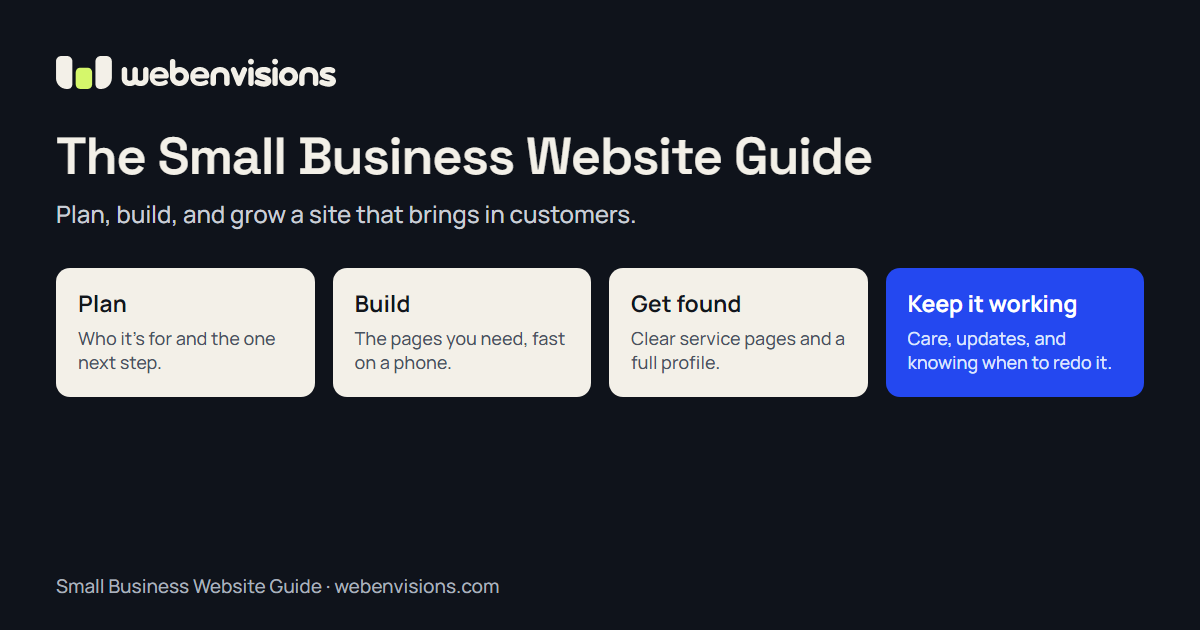
A small business website has one main job: help the right people decide to get in touch, book, or buy. Everything else, from the colors to the platform, should serve that job.
This guide walks through the whole process in order. Each section links to a deeper article when there is more to say.
1. Start with the job your website has to do
Before thinking about design, write down three things:
- Who your best customers are. Not everyone who might buy, but the people you most want more of.
- What they need to know before they contact you. Usually: what you do, where you work, roughly what it costs, and whether you can help with their situation.
- The one action you want them to take. Call, request a quote, book a time, or buy online.
A site that answers those questions clearly will outperform a prettier site that doesn’t.
2. The pages most small businesses need
You rarely need dozens of pages to start. A strong small business site usually has:
- Home. What you do, who it’s for, where you work, and the main next step.
- A page for each main service. Each with what’s included, who it suits, how pricing works, photos of real work, and a clear next step. These pages do most of the work in search.
- About. Who is behind the business and why someone should trust you.
- Contact. Phone, email, a short form, your service area, and hours.
- Proof. Real reviews, examples of your work, or case studies. Never invented ones.
Add more pages when customers keep asking about something: pricing, an FAQ, a booking page, or guides like this one.
3. Choose how to build it
There are two broad routes: build it yourself on a website builder, or hire a designer or developer. Both can work. The right choice depends on how much your website needs to do, how much time you have, and how much you want to own and customize.
I compare the two honestly, including when DIY is the better call, in Website designer vs. DIY website builder.
4. Know what it should cost
Prices vary a lot because “a website” can mean a five-page brochure site or a store with booking, payments, and custom tools. The biggest cost drivers are the number of pages, custom functionality, integrations with other tools, and who writes the content.
How much does a small business website cost? breaks down typical ranges, what drives them, and the ongoing costs people forget.
5. Write content customers actually use
Good website copy sounds like you on a good day explaining your business to a new customer. A few rules help:
- Lead with what the customer gets, not your history.
- Use the words customers use. If they say “furnace repair,” don’t call it “thermal comfort solutions.”
- Answer the questions you hear on the phone every week.
- Show real photos of your work, team, and place of business wherever you can.
- Make the next step obvious on every page.
6. Make it fast, accessible, and easy on a phone
Most people will first see your site on a phone, often while deciding between you and a competitor. A site that loads slowly or is hard to tap through loses them.
Google measures loading speed, responsiveness, and visual stability with its Core Web Vitals. Accessibility matters too: the Web Content Accessibility Guidelines cover things like readable text, color contrast, and forms that work with a keyboard and screen readers. A site that works for everyone usually works better for everyone.
7. Get found in search
Search engines are trying to show the most useful result for what someone typed. You help them by giving each service its own clear page, completing your Google Business Profile, and answering real customer questions.
How do I increase my SEO? covers the practical steps in order, from your business profile to earning local mentions.
8. Make the next step easy
Many visitors leave not because the offer is wrong, but because the next step is unclear. Short forms, visible phone numbers, and clear booking options help. For businesses with several services or options, a guided tool that helps people compare and carries their choices into a request can help even more.
What is intelligent UI? shows how that works and when a simple form is enough.
9. A launch checklist
Before you launch, check that:
- Every page has a clear title and a short description that would make sense in search results.
- Forms actually deliver to an inbox someone reads, and a test submission arrives.
- The site works on a phone, on slow mobile data, and with a keyboard.
- Your phone number and address match your Google Business Profile.
- If you’re replacing an old site, every old page address redirects to its closest new page so you keep your search rankings and links.
- Analytics or Search Console is set up, so you can see what’s working.
10. Keep it working after launch
A website is closer to a storefront than a brochure. Plan for hosting, security updates, backups, and small content changes. Look at what visitors do once in a while and fix where they get stuck.
At some point, small updates stop being enough. When should you redesign your business website? covers the signs and how to tell a refresh from a rebuild.
Where to go next
If you’d rather have help with any of this, I design and build custom websites for small businesses, from simple sites to ones with guided tools and online booking. You can estimate your project in about a minute.
All postsNext: Website Designer vs. DIY Website Builder: Which Is Right for Your Business?