Blog / Website planning
When Should You Redesign Your Business Website?
Eight signs it is time, how to tell a refresh from a rebuild, and how to redesign without losing the search rankings you already have.

By Zack Lekas · · 3 min read
There’s no fixed number of years after which a website “expires.” Some sites work well for a long time. Others fall behind quickly because the business changed, customers changed how they search, or the site was never quite right.
The better question is whether your website is still doing its job: helping the right people decide to contact you, book, or buy. This article is part of my Small Business Website Guide.
Eight signs it’s time
1. It’s hard to use on a phone. Text is tiny, buttons are hard to tap, or you have to pinch and zoom. Most visitors will see your site on a phone first.
2. It’s slow. Pages take several seconds to appear, or things jump around while loading. You can check with Google’s free PageSpeed Insights, which reports on the Core Web Vitals.
3. It no longer describes your business. Services you’ve dropped are still listed, new ones are missing, or the photos and prices are years out of date.
4. You can’t update it yourself, or it’s painful to. Every small change needs a developer, or the editor is so awkward that updates never happen.
5. Inquiries have dropped, or they’re the wrong kind. Fewer people get in touch, or the ones who do are asking for things you don’t offer. The site may be attracting the wrong visitors or failing to explain what you do.
6. Customers keep asking questions the site should answer. If you answer the same questions on the phone every week, the site isn’t doing that work.
7. It doesn’t feel trustworthy anymore. Broken links, missing security, old copyright dates, or a design that looks noticeably dated next to competitors can make people hesitate.
8. It’s hard for some people to use at all. Low contrast, forms that don’t work with a keyboard, or images without descriptions shut out visitors who rely on assistive technology. The Web Content Accessibility Guidelines are the standard reference.
One sign on its own may only need a fix. Several together usually mean a bigger change.
Refresh, fix, or rebuild?
Not every problem needs a full redesign.
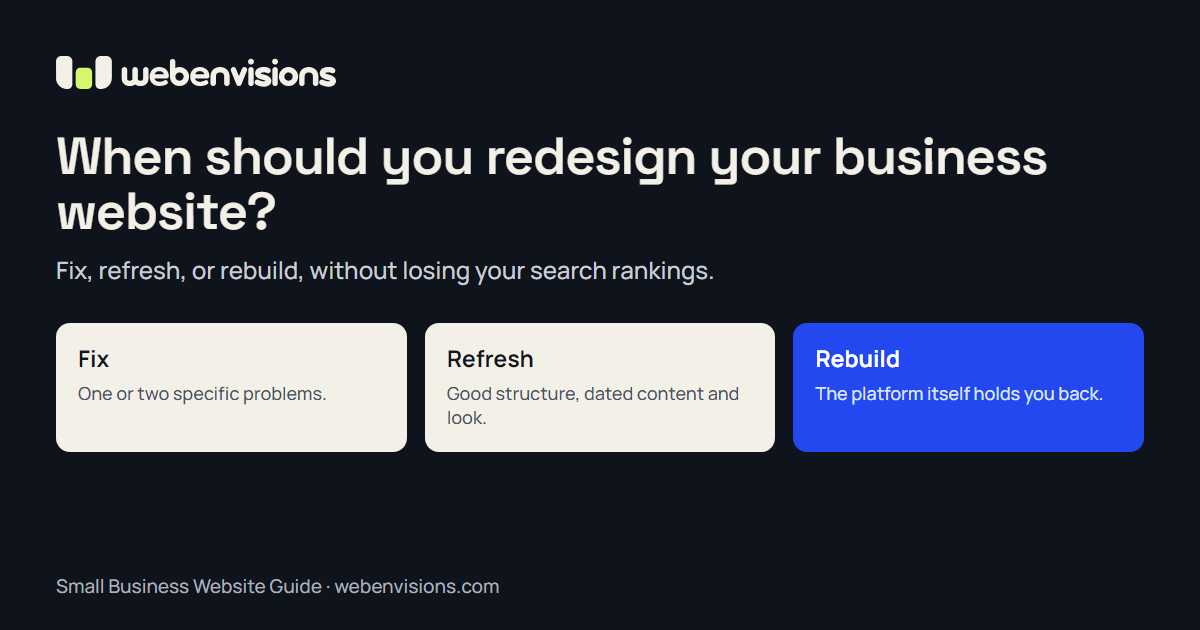
- Fix: One or two specific problems, like a broken form, a slow page, or an outdated section. Fixing them can be quick and inexpensive.
- Refresh: The structure works, but the content and look have aged. Update the copy, photos, and styling while keeping the same pages and platform.
- Rebuild: The structure, platform, or technology is the problem. It’s slow at its core, impossible to update, can’t support what you need, like online booking or a store, or would cost more to patch than to replace.
A good designer should tell you honestly which one you need. If a few targeted fixes would solve it, that’s usually the better spend.
How to redesign without losing your search rankings
If your current site already ranks in search and brings in visitors, a careless redesign can throw that away. The most common cause is changing page addresses without redirects.
Google’s guidance on site moves with URL changes comes down to a few steps:
- List every current page before changing anything, including ones that get search traffic or links from other sites.
- Map each old address to its closest new page. Don’t send everything to the home page.
- Set up permanent (301) redirects from each old address to its new one.
- Keep what’s working. Pages that rank well should keep their topic, and ideally their wording, unless there’s a good reason to change it.
- Check after launch in Google Search Console for pages that can’t be found, and fix any missed redirects.
Rankings may move around for a while after a big change. That’s normal if the redirects are right.
Before you start
Write down:
- What the site needs to do that it doesn’t do now.
- Which pages and content are worth keeping.
- What visitors ask most often.
- How you’ll measure whether the new site is better, like inquiries per month or calls from the site.
That list makes any redesign quote more accurate and the result easier to judge. For a sense of budget, see how much a small business website costs.
Need a second opinion?
I do both full rebuilds and smaller fixes, and my rebuilds carry existing rankings and links across with redirects. If you’re not sure which your site needs, tell me what’s frustrating you about it.
All postsNext: What Is Intelligent UI? Helping Website Visitors Take the Next Step