
Blog / Marketing
How to Get More Google Reviews for Your Business (the Right Way)
Most happy customers will leave a review. They just need to be asked, at the right moment, with a link that takes ten seconds. Here’s how.

By Zack Lekas · · 3 min read
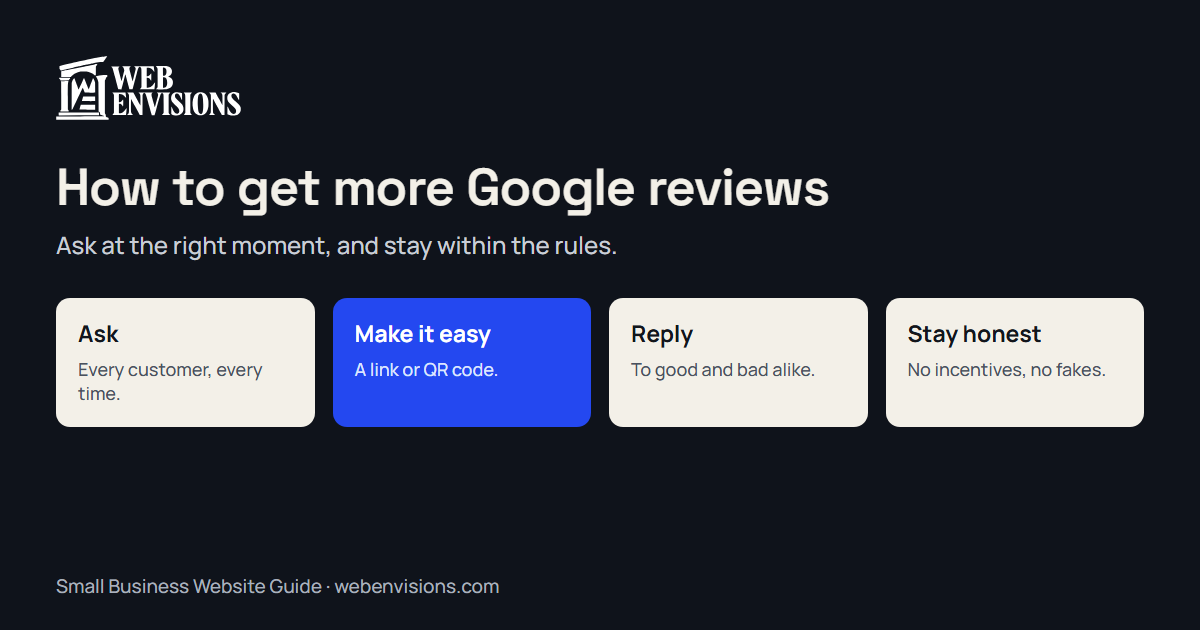
Reviews do two jobs. They help you show up: Google says review count and rating factor into local ranking. And they help you get chosen: people read them before they call.
The businesses with lots of reviews usually aren’t better at their work. They’re just better at asking. Here’s how to do it well, and within the rules.
Ask, every time
The single biggest change most businesses can make is to ask every happy customer, not just the ones who seem especially pleased. Many people are glad to leave a review. It simply doesn’t occur to them unless you ask.
Google’s own advice is to remind customers to leave reviews and to make it easy for them. Build the ask into how you finish a job, so it happens without anyone having to remember.
Ask at the right moment
Timing matters more than wording. Ask when the customer is happiest:
- Right after the job is done and they’ve seen the result.
- When they thank you. “I’m so glad. Would you mind saying that in a quick Google review?”
- When they pay, if the experience went well.
A same-day text or email with the link works far better than a request a week later.
Make it take ten seconds
Every extra tap loses people. Google lets you create a review link and a QR code that open the review box for your business directly.
- Put the link in your thank-you text or email, your invoice, and your email signature.
- Put the QR code on a card you hand over, a sticker on the counter, or a flyer in the waiting room.
My free review card maker turns your link into a printable card, sticker, or flyer with a QR code in about a minute, with no sign-up.
Use simple words
You don’t need a script, but this works:
Thanks again for having us out. If you were happy with the work, a quick Google review would really help a small local business like ours. Here’s the link: [your link]
Short, specific, and no pressure.
Reply to every review
Google recommends replying to reviews. It shows customers you’re paying attention, and it gives you a chance to add context.
- Good reviews: thank them by name and mention what you did. Keep it short.
- Bad reviews: stay calm and polite, apologize for the experience, and offer to fix it offline. Future customers read your reply as much as the complaint.
- Never argue in public, even when you’re right.
Stay within the rules
Breaking these can get reviews removed or your profile restricted, and some carry legal risk.
- No incentives. Google doesn’t allow offering discounts, free products or services, or payment in exchange for reviews.
- Don’t ask only the happy customers. Google doesn’t allow selectively asking for positive reviews, or discouraging negative ones. Ask everyone.
- No fake reviews. Not from staff, friends, or paid services. Since 2024, the FTC’s rule on consumer reviews also bans fake reviews and certain incentivized reviews, with civil penalties.
- Don’t pressure people to post while standing in front of you, or to change a review.
Asking every customer honestly is both the safest approach and the one that works best over time.
Make it a routine
The goal is a steady trickle, not a burst. A handful of new reviews every month looks more natural and keeps your profile current.
- Finish the job.
- Send a thank-you message with your review link the same day.
- Hand over a card with the QR code if you see them in person.
- Reply to every review within a few days.
A quick checklist
- You ask every customer, every time
- You ask right after the job, while they’re happy
- Your review link is in your texts, emails, and invoices
- You have a QR code card or sticker
- You reply to every review, good and bad
- No incentives, no fake reviews, no asking only the happy ones
Want more reviews and a higher spot on the map?
Make a free review card today. Then see where you rank across town with the free Rank Map, and read how to get your business on Google Maps. If you’d like a hand, my Google Maps ranking plan includes a review routine built for your business. Ask for your free ranking plan.
All postsNext: How to Get Your Business on Google Maps (and Show Up Higher)