
Blog / SEO
How to Get Your Business on Google Maps (and Show Up Higher)
When someone searches “plumber near me,” the map comes first. Here’s how to get your business on it, verified, and showing up for more of the searches that matter.

By Zack Lekas · · 4 min read
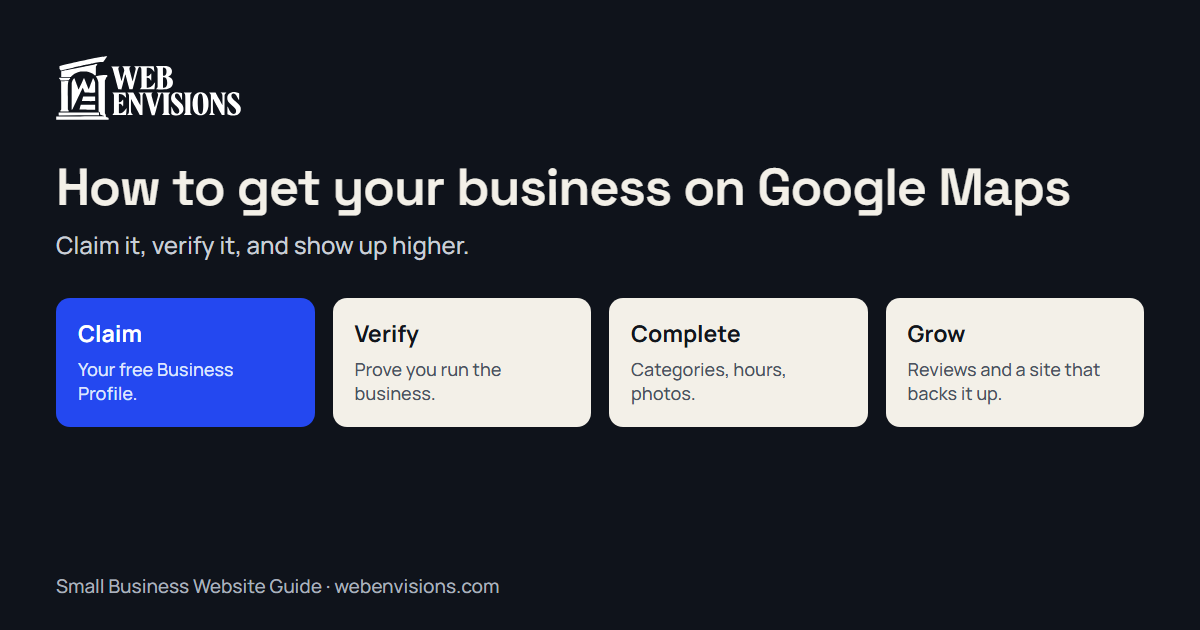
When someone searches “plumber near me” or “coffee in Bend,” Google usually shows a map with a few businesses before any websites. For a local business, that map is often the most valuable spot on the page.
Getting onto it is free. Showing up near the top takes a little more care. Here’s how to do both.
Step 1: Add or claim your Business Profile
Your place on Google Maps comes from a Google Business Profile. It’s free, and you manage it with a Google account.
- Search for your business name on Google Maps. If it already appears (Google sometimes creates listings from public information), choose Claim this business or Own this business?
- If it doesn’t appear, go to Google Business Profile and add it: your business name, category, and contact details.
Use your real business name, exactly as customers see it on your sign, van, or invoices. Adding keywords or a town to your name (“Smith Plumbing Bend Best Plumber”) breaks Google’s guidelines and can get the profile suspended.
Step 2: Choose a storefront, a service area, or both
Google needs to know how customers reach you:
- A storefront or office customers visit: show your address.
- A service-area business that goes to customers, like plumbers, cleaners, landscapers, and mobile mechanics: hide your address and list the towns or areas you serve.
- Both: show the address and add service areas.
If you work from home and customers don’t come to you, don’t show your home address. Set it up as a service-area business instead.
Step 3: Get verified
Google needs to confirm you really run the business before the profile goes fully live. Depending on the business, verification can be by phone, text, email, a video recording, or a live video call. Google chooses which options you get.
Until you’re verified, edits may not show, and your profile is less likely to appear in results. Don’t skip it.
Step 4: Fill in everything
This is where most profiles fall short. Google says its results are based on relevance (how well your profile matches the search), distance, and prominence (how well known your business is). You can’t move your business closer to every customer, but complete information helps with relevance.
- Primary category: the single best description of what you do. Add secondary categories for other main services.
- Services or products: list them, in the words customers use.
- Hours: including holiday and seasonal hours, kept current.
- Phone and website: a number that’s answered and a link to your best page.
- Description: a plain explanation of what you do and who for.
- Photos: real photos of your work, your team, your storefront or vehicles. Not stock images.
Step 5: Keep it active
A profile isn’t set-and-forget:
- Ask every happy customer for a review. Google says review count and rating factor into local ranking. See how to get more Google reviews.
- Reply to reviews, good and bad.
- Add new photos as you finish jobs or change the menu.
- Update hours and services as the seasons change.
Step 6: Make your website back it up
Google also looks at how well known your business is across the web, including links and mentions. Your website is a big part of that.
- Say clearly what you do and which towns you serve, ideally with a page for each main service and area.
- Use the same business name, address, and phone number as your profile.
- Make it fast and easy to call or request a quote on a phone.
If your site is missing from Google entirely, start with why your website isn’t showing up on Google.
Why you show up for some people and not others
Your map ranking changes with where the searcher is standing. You might be third for someone a mile away and invisible to someone across town. That’s why checking “where do I rank?” from your own phone at the office can be misleading.
My free Rank Map checks your Google Maps ranking from 49 points across town, so you can see where you show up, where you don’t, and who’s beating you in each spot.
Common mistakes
- Keyword-stuffed business names. Against the guidelines and risky.
- A home address shown for a service-area business.
- More than one profile for the same location. Duplicates split your reviews and confuse Google.
- Hours that are out of date. Customers who arrive to a closed door leave bad reviews.
- Never asking for reviews. The businesses above you almost certainly do.
A quick checklist
- Profile claimed or created, using your real business name
- Storefront, service area, or both set correctly
- Verified
- Primary category, services, hours, phone, website, and description filled in
- Real photos added
- Asking for reviews after every job, and replying to them
- Website matches your profile and names the towns you serve
Want help moving up the map?
Start with the free Rank Map to see where you stand today. If you’d like help climbing, my Google Maps ranking plan covers your profile, a review routine, and the same 49-point map every month so you can watch the green spread: $299 to set up, then $99 a month. Ask for your free ranking plan.
All postsNext: How Much Does a Website Cost in Bend, Oregon?