
Blog / Website planning
How Website Calculators Help Customers Make Decisions
A customer who can’t tell whether you’re in their budget usually doesn’t ask. A calculator lets them find out privately, and see what changes the price.

By Zack Lekas · · 3 min read
Before most people contact a business about a larger purchase, they’re trying to answer one question on their own: is this roughly in my range? If the website can’t tell them, many don’t ask. They don’t want a sales call just to learn the price.
A calculator answers that question on the page. Here’s what it does for the customer, and what makes one worth trusting. This is my view from building them, not a study; I’ll say where I’m reasoning and where I’ve measured.
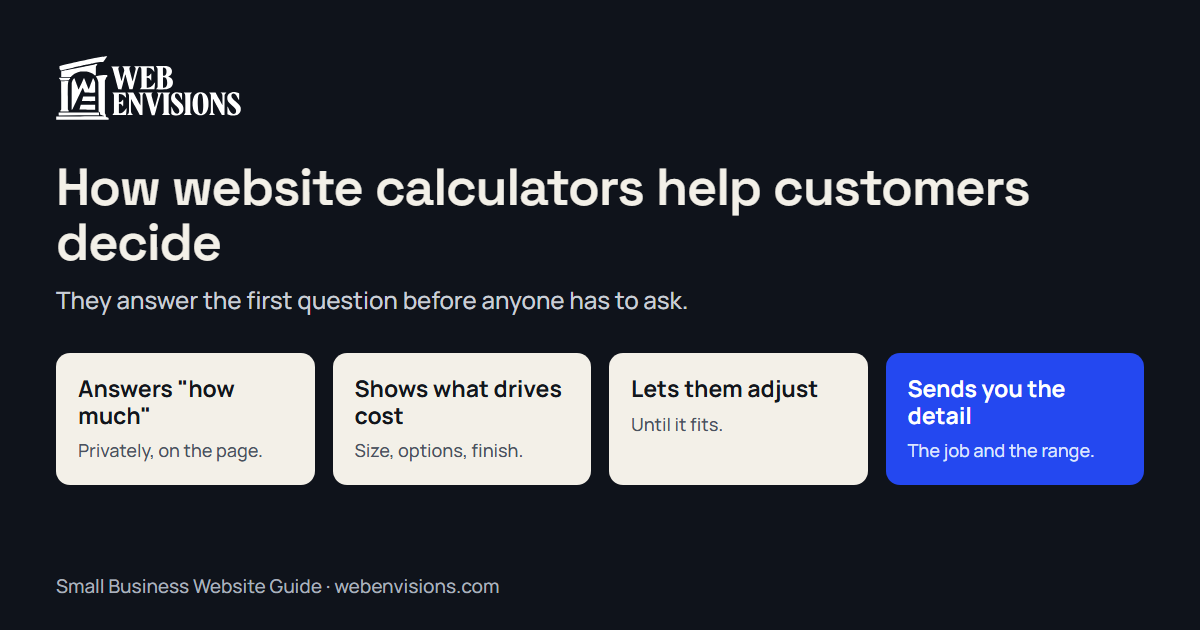
It answers the first question privately
Nobody enjoys asking “how much?” and hearing a number far above what they expected. A calculator lets the customer find out with no one watching. The ones who stay have seen the range and are still interested.
It shows what drives the cost
A single “from $X” tells a customer almost nothing. A calculator that changes as they choose a bigger size or a better finish teaches them how the price is built. They arrive understanding why a larger deck costs more, instead of suspecting they’re being upsold.
It lets them adjust until it fits
This is the part a price list can’t do. A customer over budget can try a smaller size or a simpler option and see what brings the number down. They’re solving their own problem, and by the time they contact you they’ve already made the trade-offs.
It makes the next step smaller
“Request a quote” is a big ask of a stranger. “Send me this estimate” after a minute of choosing is a small one. The customer has already done the work; sending it is one tap.
And it helps you
What arrives isn’t “how much for a remodel?” It’s the job type, the size, the options, and the range they saw. Your first call starts from there.
What makes a calculator trustworthy
A calculator can also do harm, if the number it shows turns out to be wrong. The ones I’d stand behind share these:
- It uses the business’s real pricing rules. Not an average, and not a guess.
- It shows a range, and calls it an estimate. With a line on what could move it.
- It names what it can’t know. Site access, permits, what’s behind the wall. Listed, not silently priced in.
- It doesn’t hide the result behind a form. Asking for an email before showing the number feels like a trick. Show the number, then offer to send it.
- It stays current. Last year’s prices are worse than no calculator.
When a calculator is the wrong tool
- Every job is one of a kind. If no rule connects the inputs to the price, a range would mislead. Use a guided request that collects the details without a number.
- You get a few inquiries a week and like the first conversation. A short form is fine.
- You can’t keep it updated. Don’t build what you won’t maintain.
Quote form vs. quote calculator lays out the choice.
Try one
Reading about a calculator is less convincing than using one. Three to try:
- My own website estimator. Pick a package, change the pages and features, watch the range move. It’s the one I quote from.
- A remodel planner. A working demo for a fictional builder: project type, size, and finish level produce an example range.
- A catering order. A working demo for a fictional café: head count and menu become quantities and a price.
The estimator case study covers how mine was built and what I changed along the way. If you want one for your business, website quote calculators explains the kinds and the cost.
All postsNext: Online Quote Form vs. Interactive Quote Calculator: Which Brings Better Leads?