
Blog / Website planning
Online Quote Form vs. Interactive Quote Calculator: Which Brings Better Leads?
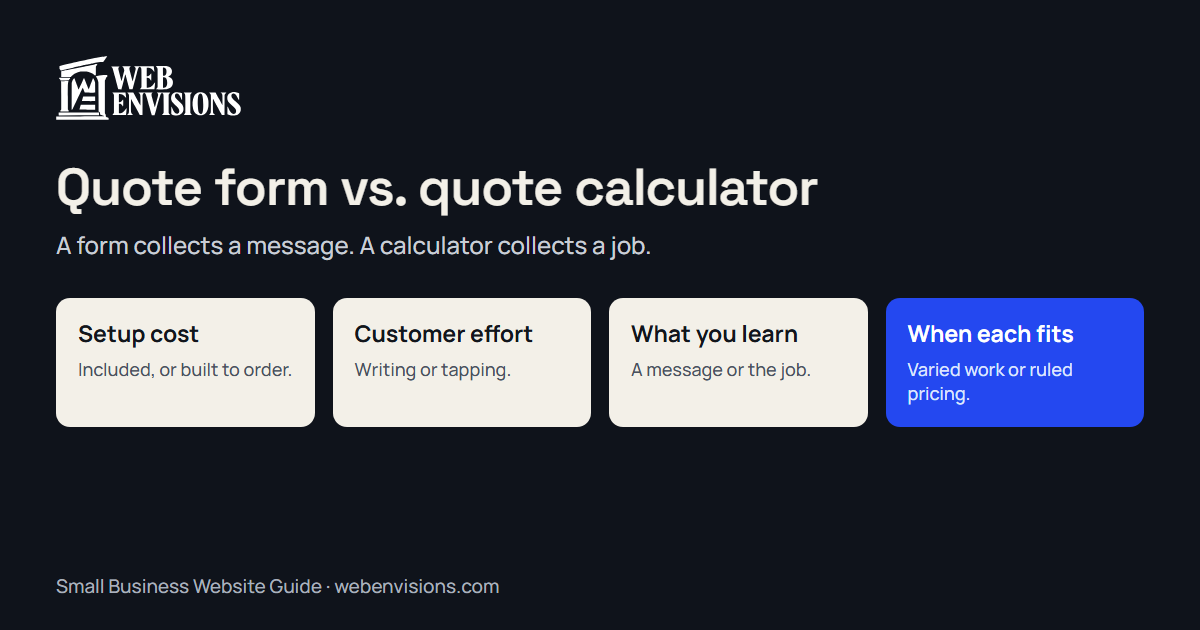
A form is cheap and collects a message. A calculator costs more and collects a job. Here’s how to tell which one your business needs, and when a plain form is enough.

By Zack Lekas · · 2 min read
Can your website collect quote requests automatically? Yes, and there are three ways to do it. They differ in what they cost and in how much you know when the request arrives.
The three options
A contact form. Name, phone, email, and a message box. The customer decides what to tell you.
A guided quote form. A few questions answered by tapping, such as job type, size, and timing, then contact details. No price is shown.
A quote calculator. The same questions, with a price or a range worked out from your own pricing rules and shown on the page.
Side by side
| Contact form | Guided quote form | Quote calculator | |
|---|---|---|---|
| Setup cost | Included with most sites | $750 to $2,500 | $750 to $2,500, more with many rules |
| Customer effort | Has to write it all out | A minute of tapping | A minute of tapping |
| What you learn | Whatever they chose to say | The job, in your terms | The job, and the range they saw |
| Shows a price | No | No | Yes |
| First call is about | Finding out what they want | Scheduling | Scheduling, with budget already aired |
| Upkeep | None | Rarely | Update when your prices change |
The costs are my own prices for a guided tool; see pricing.
When a plain form is enough
- You get a handful of inquiries a week and enjoy the first call.
- Every job is different enough that set questions wouldn’t help.
- Your customers already know what they want and just need to reach you.
If that’s you, keep the form short and make sure it works. Test it from your own phone.
When a guided form earns its cost
- You ask every caller the same five questions.
- Requests arrive as “how much for a deck?” and you have to chase the details.
- You’d rather not publish prices, but you want to know the job before you call.
When a calculator earns its cost
- The first question is always “how much?”, and the answer follows rules: area, count, or options.
- You lose time on site visits with people whose budget is far from your prices.
- Competitors hide their prices, and being the one who answers is an advantage.
A calculator doesn’t lock you in. A good one shows a range, calls it an estimate, and lists what could change it. The fixed price still comes from you.
Three common worries
“Showing prices will scare people off.” It turns away those who couldn’t afford you, before the site visit. The ones who stay have seen the number.
“Competitors will see my prices.” They’ll see a range, as any customer would.
“My jobs are too varied.” Then use a guided form. You get the detail without a number.
Try before you decide
The website quote calculators page has three working examples, including the estimator on my own pricing page. Why customers don’t finish quote forms covers what makes any of the three get abandoned.
Where I fit
I’m Zack at Web Envisions in Bend, and I build all three. Tell me how you price a job and I’ll say which one I’d choose, including when it’s the plain form.
All postsNext: Static Website vs. Interactive Website: What’s the Difference, and Which Do You Need?