
Blog / Booking & lead capture
Why Customers Aren’t Finishing Your Quote Form (and How to Fix It)
People who start your quote form already want to hire you. If they’re not finishing it, the form is in the way. Here’s how to find out where, and fix it.

By Zack Lekas · · 4 min read
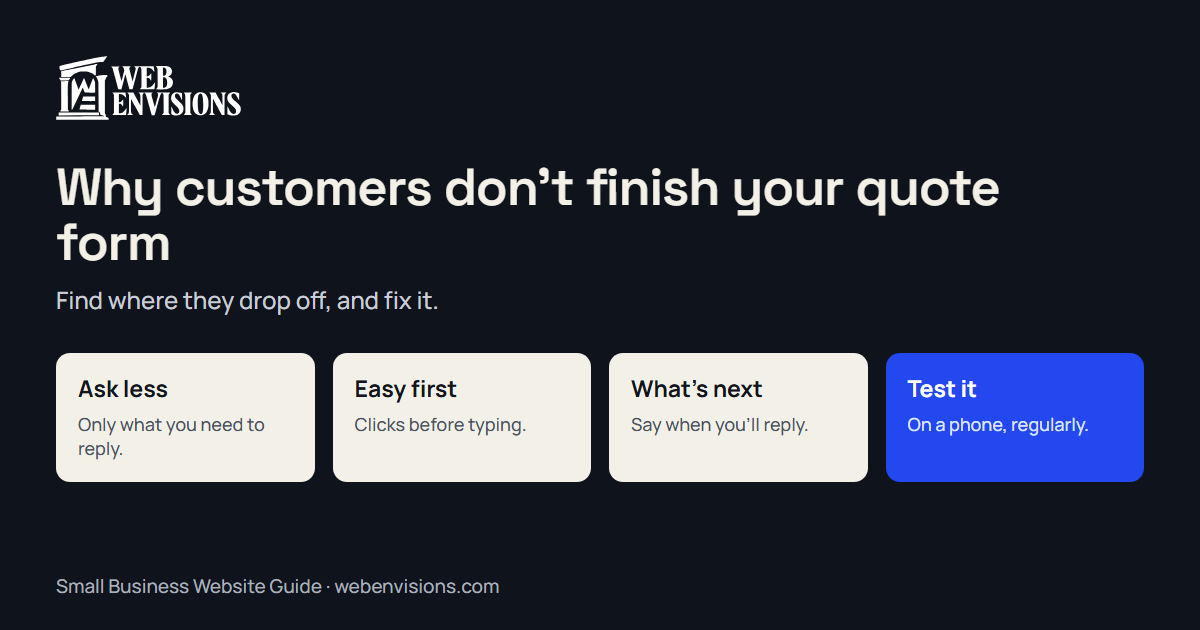
Someone who starts filling in your quote form has already decided they might hire you. That’s the warmest lead you’ll ever get. If they give up halfway, it’s rarely because they changed their mind about you. Usually, the form got in the way.
The good news: most form problems are easy to spot once you look, and easy to fix.
First, find out where people stop
Before changing anything, find out whether people are actually abandoning the form, and where.
- Count starts and finishes. Analytics tools like Google Analytics can record events, such as “form started” and “form submitted.” The gap between the two is your drop-off.
- For step-by-step forms, track each step. If most people leave at the same step, that step is the problem.
- Fill it in yourself, on your phone. On cellular data, with one thumb, outside. You’ll find half the problems in two minutes.
- Ask a few customers. “Was anything annoying about requesting a quote?” is a question people are happy to answer.
The usual reasons people give up
Too many questions
Every field is a small reason to stop. Long forms ask things you don’t need yet: company size, how they heard about you, a budget dropdown before they know your prices. Ask only what you need to reply usefully. You can ask the rest later, on the phone or in your reply.
Hard questions first
Leading with “Describe your project in detail” or “What’s your budget?” stops people cold. Start with easy, clickable questions (what kind of job, roughly when) and build up to the open-ended ones. Once someone has answered two easy questions, they’re far more likely to finish.
Asking for contact details too early
A phone number on the first screen feels like a sales call waiting to happen. Ask for contact details at the end, once they’ve told you what they need and can see why you’re asking.
No idea what happens next
“Submit” into the void is a gamble. Say what happens: “I’ll reply within one business day with a price range.” If you can, show a rough price or range before they submit. People are more willing to ask when they’re not afraid of the answer.
It’s painful on a phone
Tiny tap targets, a keyboard that covers the button, a date picker that fights back, a dropdown with fifty options. Most of your visitors are on phones. Use the right input types, so phone numbers bring up a number pad and emails bring up the @ key, and let the browser autofill what it can.
Errors that punish
A form that clears everything after one mistake, or shows “Invalid input” without saying which field or why, loses people instantly. Point to the field, say what’s wrong in plain words, and keep everything they’ve typed.
Spam protection that blocks real people
Puzzles and picture CAPTCHAs stop some bots and some customers. There are gentler ways to filter spam that customers never see. See how to stop contact form spam.
It quietly doesn’t work
The worst case: the form looks fine but the message never arrives. Customers think they’ve asked; you never hear from them. Test it regularly: how to test your website contact form.
Fixes that make the biggest difference
Break it into short steps. One or two questions per screen, with a clear sense of progress. A step-by-step form often feels shorter than the same questions on one long page.
Use buttons for common answers. “Brakes,” “Oil change,” “Something else” is faster than typing, and gives you cleaner information. Keep a free-text box for anything that doesn’t fit.
Show a summary before they send. A short “here’s what you’re asking for” lets them check it, and catches mistakes before they reach you.
Let them book when they can. If the job has a set length and price, skip the quote entirely and let them pick a time. The auto shop booking demo shows both: instant booking for fixed jobs, and a request for “something else.”
Make every field accessible. Clear labels (not just placeholder text that vanishes), visible focus, and errors announced to screen readers. It helps everyone, not just people using assistive technology.
A quick checklist
- You know how many people start the form and how many finish
- Every question is one you actually need to reply
- Easy, clickable questions come first; contact details come last
- The form says what happens next, and when
- It works on a phone, with the right keyboards and autofill
- Errors point to the field and keep what was typed
- Spam filtering doesn’t make customers solve puzzles
- You test it regularly, and messages really arrive
Want a form that brings in complete requests?
Try the auto shop booking demo to feel the difference a step-by-step flow makes, and read how to add online booking to your website if booking might replace your quote form altogether. When you’re ready, see online booking and lead capture or tell me about your current form. I’ll reply within one business day.
All postsNext: Why Is My Website So Slow? Causes and Fixes for Small Businesses