
Blog / Website planning
What Makes a Good HVAC Website?
Someone with no heat, someone replacing a furnace, and someone due a tune-up all land on the same homepage. A good HVAC site sends each the right way.

By Zack Lekas · · 2 min read
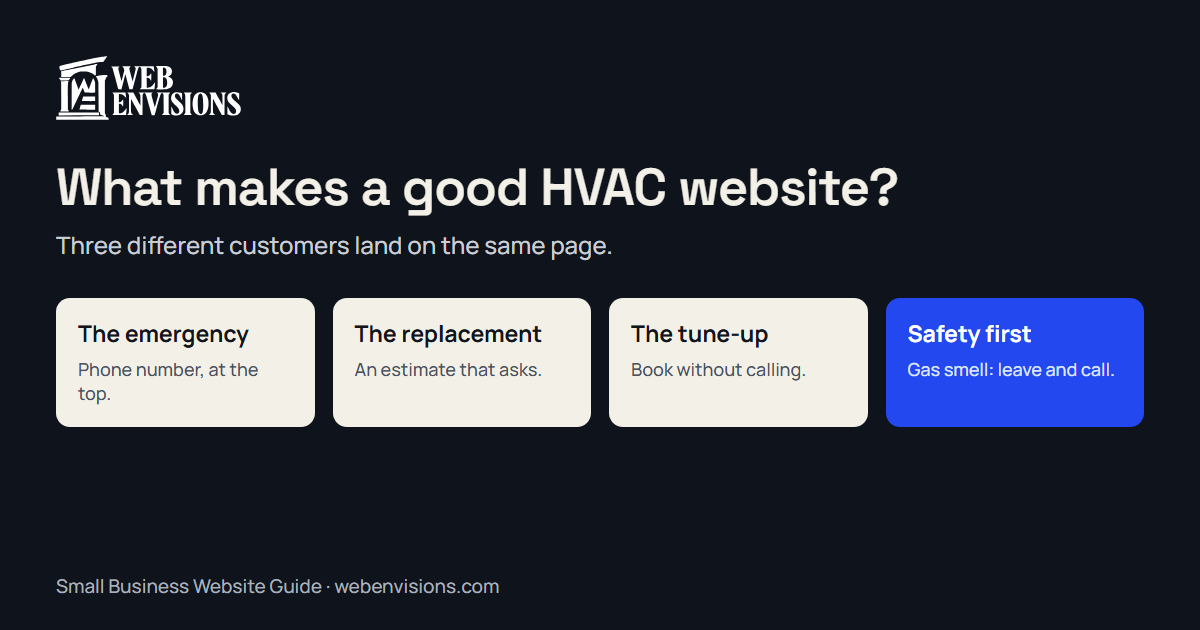
A heating and cooling company’s website has a harder job than most, because three very different customers arrive at the same page. A good one recognizes each and gets out of the way.
Customer one: something’s broken, now
No heat in January. No cooling in a heat wave. This person is on a phone, stressed, and comparing two or three companies.
What they need:
- Your phone number, tappable, at the very top.
- Whether you’ll come today, and whether you answer after hours.
- The towns you serve, so they don’t call for nothing.
A form is the wrong tool here. Don’t make them fill one in.
Customer two: replacing a system
This is your largest job, and the buyer is careful. They’re reading, not rushing.
What they need:
- What you install: furnaces, heat pumps, ductless, and the brands.
- How pricing works, even without numbers: what drives the cost, whether you offer financing, whether the estimate is free.
- A way to request an estimate that asks useful questions: home size, current system, fuel, what’s wrong. It does the first ten minutes of the visit before you arrive.
- Proof: reviews, license number, and photos of your own installs.
Customer three: maintenance
Tune-ups and maintenance plans are your repeat business, and they’re the easiest thing to sell online because nothing is urgent.
What they need:
- A plain page for the plan: what’s included, what it costs, how to join.
- A way to book a tune-up without calling, or to request a date.
Safety comes before all of it
A gas smell or a carbon monoxide alarm is not a service call. The site should say, where nobody can miss it, to leave the house and call the gas utility or 911. Then offer your number for afterward.
Change with the season
Heating in fall, cooling in late spring. A homepage still leading with air conditioning in December looks unattended. Set the site up so you can switch the featured service yourself, or have it follow the calendar. Seasonal website design covers how.
The checklist
- Tap-to-call number at the top of every page
- Hours, and whether you take emergency calls
- Service area in text
- A safety notice for gas smells and CO alarms
- A page each for heating, cooling, and maintenance plans
- An estimate request that asks about the home and the system
- Tune-up booking or request
- License number, brands, and financing if offered
- Reviews on the homepage
- The current season’s service featured first
See one working
The plumbing and heating example site is a fictional company, built to show the first idea here: pick Heating or Cooling, tap what’s happening, and it tells you whether to call now or book. For more on what an HVAC site can do, see HVAC website design. To test the basics on your own site, the free website check takes about 30 seconds.
All postsNext: What Should a Contractor Website Include? A Practical Checklist