
Blog / Website planning
7 Website Mistakes Contractors Make (and the Quick Fix for Each)
A phone number that won’t dial, no reviews, stock photos, a title that says nothing. Seven mistakes I see on contractor sites, how common each is locally, and the fix.

By Zack Lekas · · 2 min read
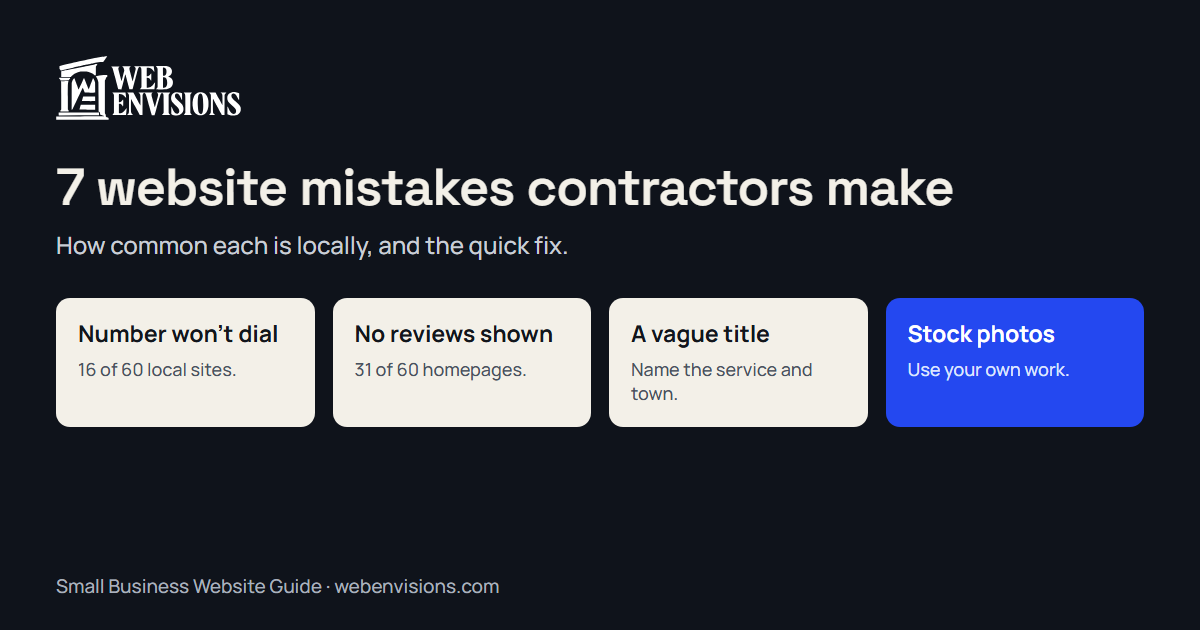
Most contractor websites don’t need a rebuild. They need a handful of small things fixed. These are the seven I see most, with numbers from my benchmark of 60 Bend trades homepages where I measured them.
1. The phone number doesn’t dial
On 16 of the 60 homepages, there was no number you could tap to call. On 11 the number was there as plain text. On 5 the check found none.
The fix: make the number a tap-to-call link and put it at the top of every page. Minutes of work.
2. No reviews where visitors land
31 of 60 showed no reviews, testimonials, or rating on the homepage. A stranger has no reason yet to believe you’re good.
The fix: two or three real reviews on the homepage, with a link to your Google profile. How to get more Google reviews if you need more to choose from.
3. A title that says nothing
20 of 60 had a page title too short to mean anything or too long to show in full. The title is the blue link in Google. “Home” wastes it.
The fix: service, then town, then name. “Kitchen Remodels in Bend | Your Company.”
4. Stock photos of someone else’s work
I didn’t measure this one, but you’ll recognize it: the gleaming kitchen that appears on a dozen other sites. Homeowners notice, and it undoes the trust your real work would earn.
The fix: your own photos, even from a phone. Take three at the end of every job.
5. Everything on one “Services” page
A single list of twelve services gives Google nothing to match against “deck builder Bend” and gives the homeowner nothing to read about their job.
The fix: a page for each service you want more of, with photos and a few sentences on how you approach it.
6. A contact form that asks nothing
Name, email, message. What arrives is “how much for a remodel?”, and you spend a call finding out what they meant.
The fix: ask about the job: type, rough size, timing, address, photos. Quote form vs. quote calculator compares the options.
7. The site never changes
Only 1 of the 60 homepages mentioned winter work near the top in late November. An unchanged site looks unattended, even when the business is busy.
The fix: lead with the season’s work if your work is seasonal, and add finished jobs as they wrap. Seasonal website design shows how.
What the sample did well
To be fair to local contractors: 59 of 60 sites were secure, 59 fit a phone screen, and all 60 linked to a way to get in touch. The basics are in place. The gaps are in the details above.
Check yours in 30 seconds
The free website check tests the phone number, the title, reviews, and more on your homepage. For the full list of what a site should have, see what a contractor website should include, and for what one can do beyond that, contractor website design.
All postsNext: Do I Need a Website If I Have a Facebook Page?