
Blog / Website planning
How to Build a Better Online Estimate Request
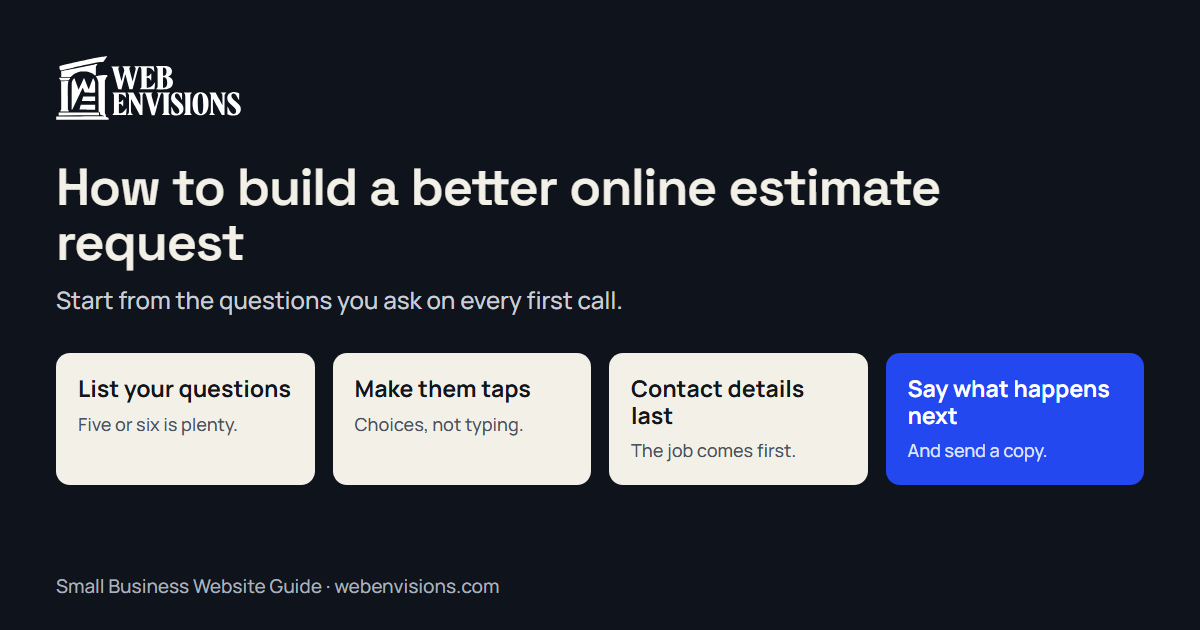
Start from the questions you ask on every first call. Turn them into taps, put contact details last, and say what happens next. Here’s the method, step by step.

By Zack Lekas · · 3 min read
An estimate request has two jobs. The customer has to finish it, and you have to be able to act on what arrives. Most forms fail one or the other: a bare message box that tells you nothing, or twenty required fields nobody completes.
Here’s how I design one. You can do this on paper before anyone builds anything.
Step 1: Write down what you ask on every first call
For a week, note the questions you ask each new caller. For most trades it comes to five or six:
- What kind of job is it?
- Roughly how big?
- Where is it?
- When do you want it done?
- Is there anything unusual: access, an HOA, a deadline?
- Do you have a budget in mind?
That list is your form.
Step 2: Cut it to what changes your answer
For each question, ask: would the answer change whether I take the job, what I’d quote, or when I’d schedule it? If not, drop it. You can ask on the call.
Five questions is plenty. Every extra one loses a few people.
Step 3: Turn questions into taps
Typing on a phone is work. Wherever the answers are predictable, offer choices:
- Job type: a short list of what you do, plus “something else.”
- Size: ranges, not exact numbers. “Under 200 sq ft / 200 to 500 / over 500 / not sure.”
- Timing: “As soon as possible / within a month / just planning.”
Always include “not sure.” People abandon forms that demand an answer they don’t have.
Step 4: Ask for photos
A photo of the yard, the panel, or the bathroom answers questions you didn’t think to ask. Make it optional and obvious.
Step 5: Put contact details last
Lead with the job, not with “Name, email, phone.” Someone who has just described their project is far more likely to finish than someone asked for their details before anything else.
Ask for a name, a phone number or email, and how they’d like to be reached. That’s enough.
Step 6: Budget, carefully
Asking for budget helps you and puts some people off. Two ways to soften it: offer ranges with a “not sure yet” option, or show a typical range for that kind of job and let them react. The second is the start of a quote calculator.
Step 7: Say what happens next
After they send it, tell them plainly: “Thanks. I’ll call you within one business day.” Don’t show “Confirmed” for something a person still has to review. And send them a copy of what they submitted.
Step 8: Make sure it arrives
Send yourself a test from your phone. Check it didn’t land in spam, and that what arrives is readable: the answers, in order, with the photos. How to test your website contact form has the full check.
What to leave out
- Required fields that aren’t needed. Mark only the essentials.
- A CAPTCHA puzzle. There are quieter ways to stop spam; see how to stop contact form spam.
- “How did you hear about us?” Ask on the call.
- A second page of questions unless the first earned it.
A worked example
For a deck builder, the whole request might be:
- New deck, repair, or refinish?
- About what size? (four ranges and “not sure”)
- Attached to the house or freestanding?
- When would you like it done?
- Address, and a photo if you have one.
- Name and how to reach you.
Six steps, mostly taps, about a minute. What arrives is a job you can price a site visit for.
Try a few
The interactive website tools page has working demos of guided requests you can click through. Why customers don’t finish quote forms covers the reasons forms get abandoned, and quote form vs. quote calculator helps you decide whether to show a price.
If you’d like one built, I’m Zack at Web Envisions in Bend. Tell me what you ask on a first call, and that’s most of the brief.