
Blog / Website planning
Why Your Website Isn’t Getting Leads (and How to Fix It)
Before you redesign anything, find out which of three problems you have: no visitors, the wrong visitors, or visitors who leave without asking. Each has a different fix.

By Zack Lekas · · 3 min read
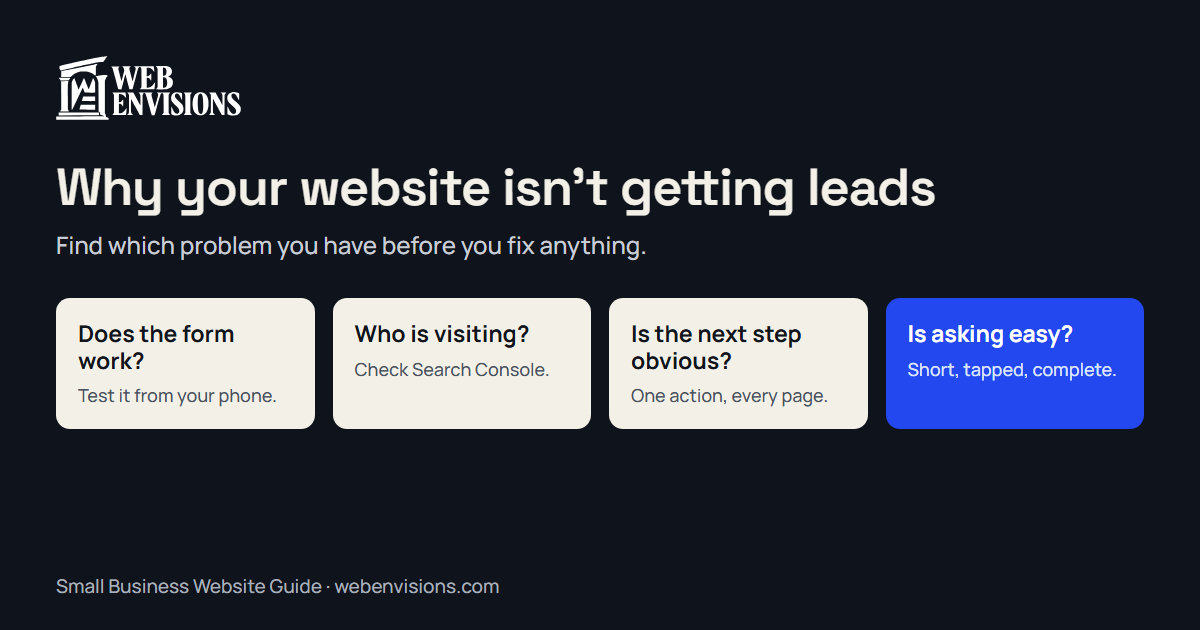
A website that brings in no inquiries usually has one of three problems. Nobody is visiting. The wrong people are visiting. Or the right people visit and leave without getting in touch.
Each has a different fix, and a redesign only solves the third. So before spending money, find out which one you have. This article is part of my Small Business Website Guide.
First, check that leads aren’t getting lost
This sounds too simple, and it’s the first thing I check on every site, because a broken form looks exactly like a quiet month.
Fill in your own contact form from your phone. Did the message arrive? Did it land in spam? Does the phone number on the site ring the right phone? How to test your website contact form walks through it in ten minutes.
Then find out who is visiting
Open Google Search Console (it’s free) and look at the Performance report for the last three months.
- Almost no impressions or clicks: you have a visibility problem. The page isn’t the issue yet. Start with why your website isn’t showing up on Google and getting on Google Maps.
- Clicks, but for searches that aren’t your business: you have a wrong-visitor problem. The site is attracting people looking for something you don’t offer. The fix is clearer service pages that name what you do and where.
- Clicks for the right searches, and still no inquiries: the page is losing them. That’s the rest of this article.
Six reasons the right visitors leave
1. They can’t tell what you do in the first screen. A slogan and a stock photo don’t say “kitchen remodels in Bend.” Put the service, the place, and who it’s for at the top.
2. There’s no obvious next step. Three different buttons, or none until the footer. Pick one action, such as call, book, or request a quote, and repeat it on every page.
3. The site is slow or awkward on a phone. Most visitors are on one. If the page takes several seconds or the buttons are hard to tap, they go back to the search results. Why is my website slow? covers how to measure it and what to fix first.
4. Nothing shows you’re real. No photos of your own work, no reviews, no name. People hire people. Getting more Google reviews is the cheapest fix on this list.
5. The question they came with isn’t answered. Usually it’s price, service area, or timing. You don’t have to publish a price list, but a starting price or a typical range keeps people on the page.
6. Asking is too much work. A long form with required fields nobody understands, or a bare “message” box that makes the customer do all the thinking. Why customers don’t finish quote forms goes into this one.
Fix them in this order
Work from cheapest to most involved, and check for a change after each:
- Make sure the form and phone number work.
- Rewrite the first screen: what, where, who for, and one button.
- Add proof: three real photos and your Google reviews.
- Answer the price and service-area questions.
- Shorten the form, or replace it with one that asks useful questions by tap.
- Fix speed on phones.
Steps 1 to 4 are an afternoon of edits on most sites. None of them needs a rebuild.
When a better form is worth building
For some businesses the form is the whole game. If every job starts with “how much?” or “can you do this?”, a guided request that collects the job type, size, and timing, or a quote calculator that shows a range, turns a vague message into a lead you can act on. I build those, and you can try several on the interactive website tools page. They’re worth it when the questions are the same every time. If you get a handful of simple inquiries a week, a short contact form is the right tool.
How to tell if it worked
Count inquiries per month before you change anything, then again a month after. Search Console shows whether visits held steady, so you know the change came from the page and not from the season. One number, checked monthly, is enough.
If you’d like a second pair of eyes
The free website check tests your site on a phone in about 30 seconds. If the problem turns out to be bigger than a few edits, website repairs and redesigns are both things I do, and I’ll tell you which one I’d choose.
All postsNext: Wix vs. a Custom Website: An Honest Comparison for Small Businesses